Official product website
View, designed for calmer mobile use.
View is an iPhone product focused on reading comfort, media clarity, and simpler ways to revisit the content that matters.
Built around everyday use
A calmer way to organize, watch, and revisit on iPhone.
View brings together cleaner feed browsing, more deliberate playback, and a lightweight settings surface built around repeat use.
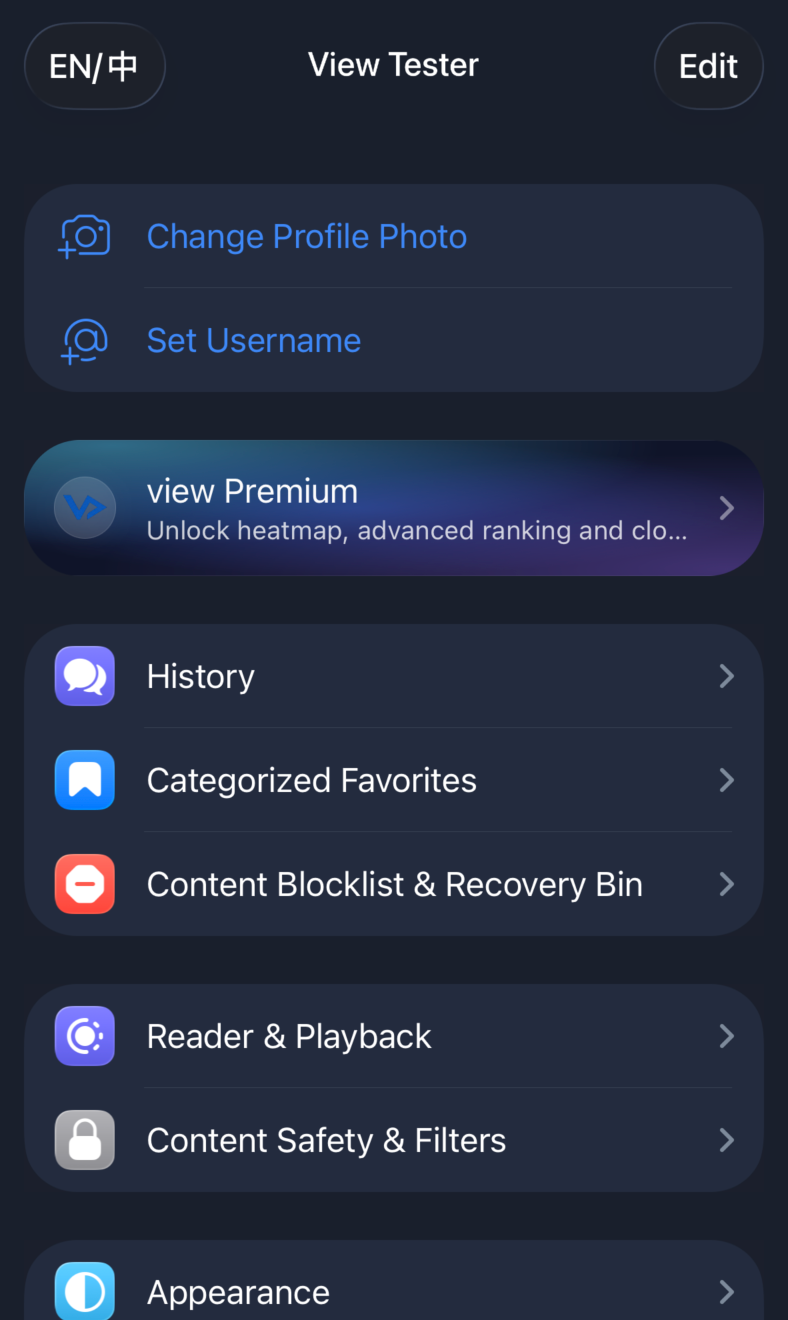
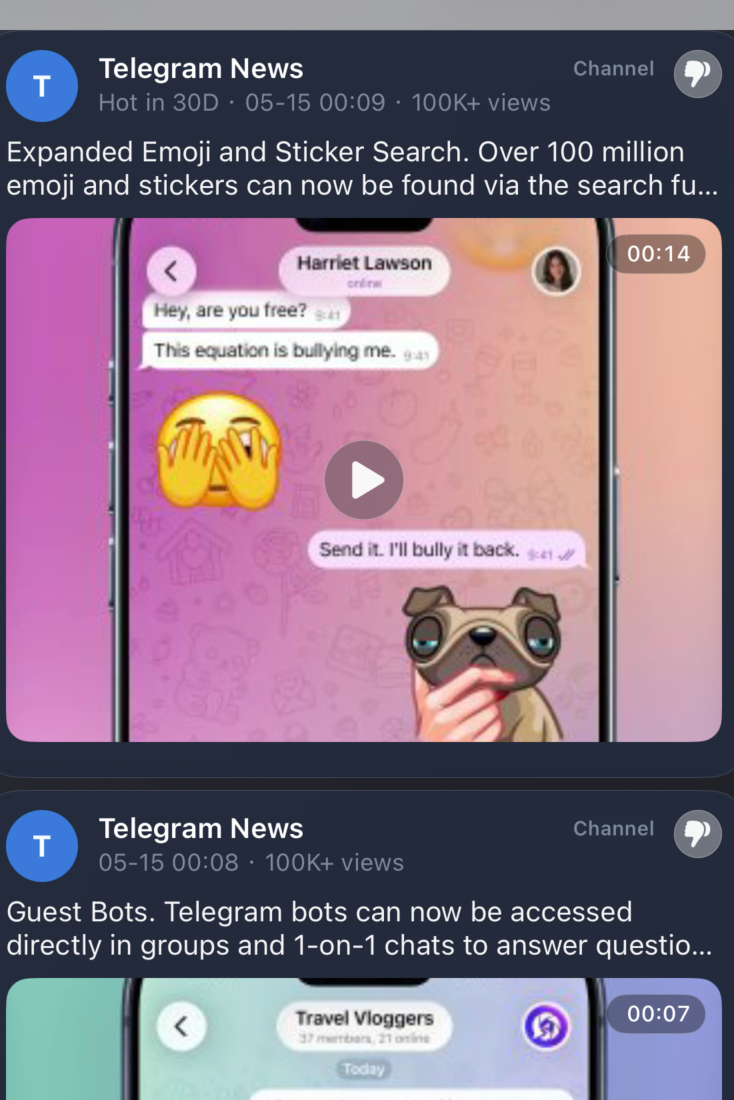
What View focuses on
Fewer distractions. Better browsing habits.
View is shaped around a small number of mobile product priorities: staying readable, keeping media easier to control, and helping useful content stay close.
Reader Mode
Content-first presentation for people who spend real time reading on a phone.
Video Navigation
Faster scrubbing, clearer control surfaces, and better ways to revisit important moments.
Smart Discovery
Curated search-source workflows with cleaner rendering around what matters.
Why View
Built for people who actually read, save, and revisit.
View favors clarity over clutter. The product direction is shaped around long reading sessions, practical media control, and a simpler sense of orientation across the app.
More legible
The interface direction reduces noise and keeps attention on text, list hierarchy, and useful context.
More controllable
Video browsing and repeated viewing are treated as first-class mobile behaviors, not edge cases.
More reachable
Core surfaces are designed to feel easier to navigate on iPhone, especially during one-hand use.
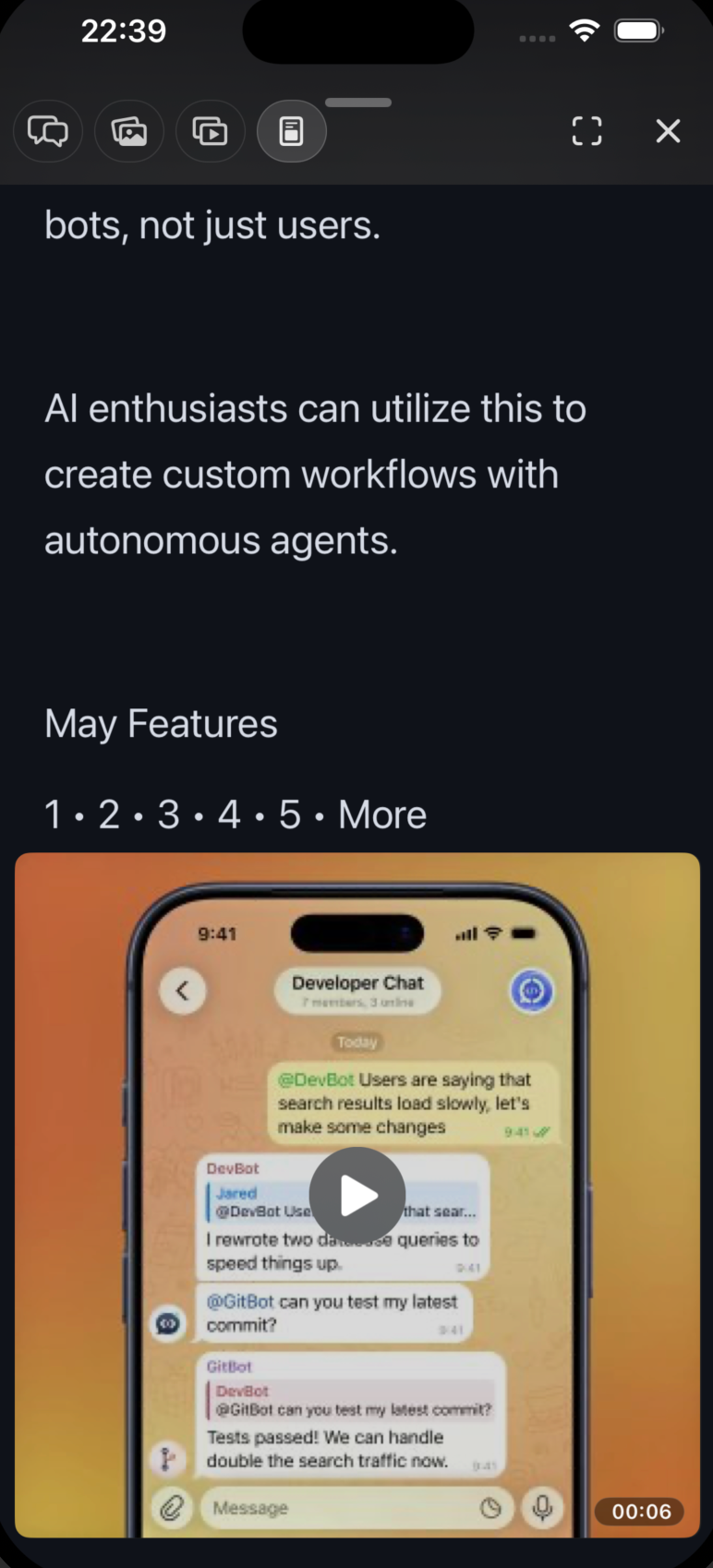
Reader Mode
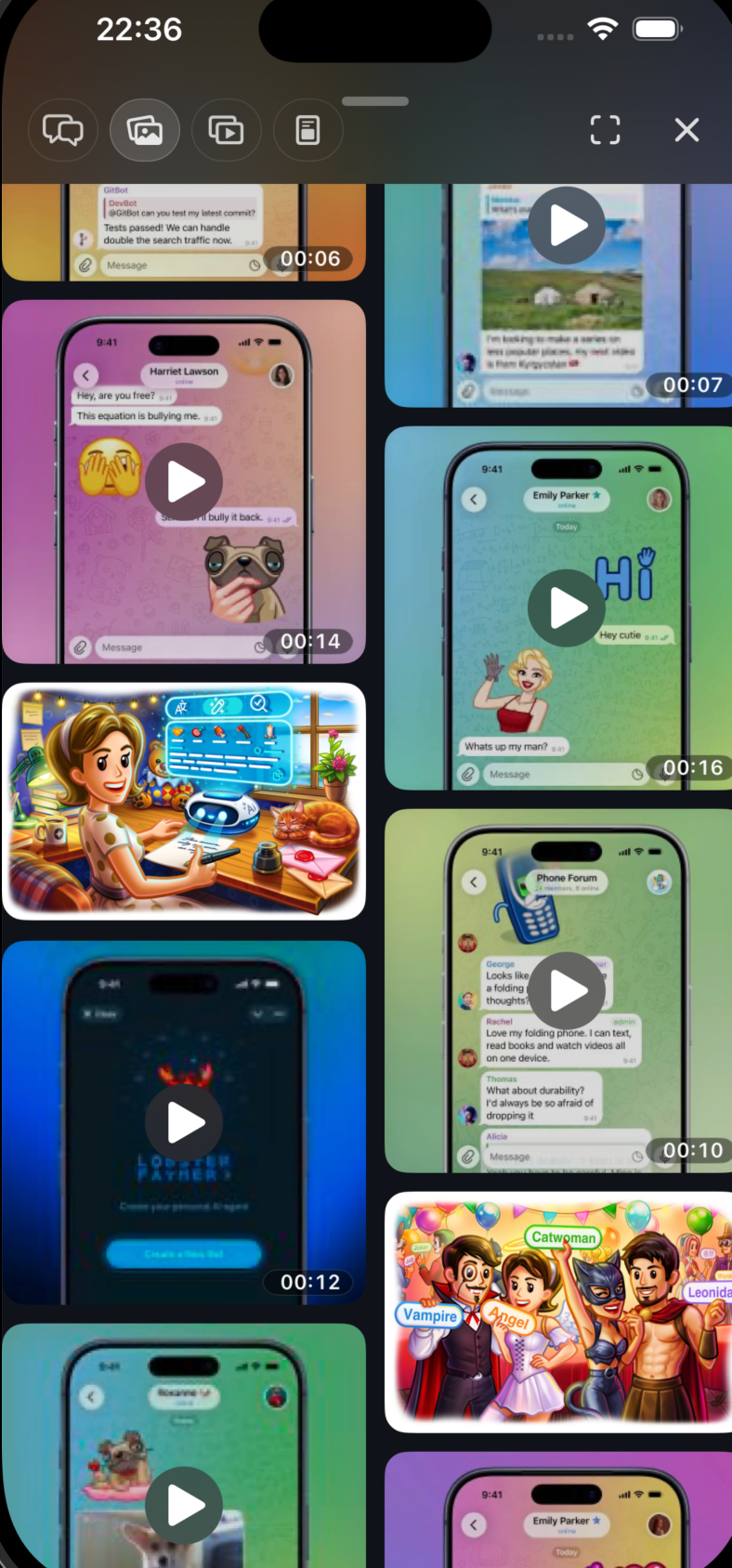
Channel Media
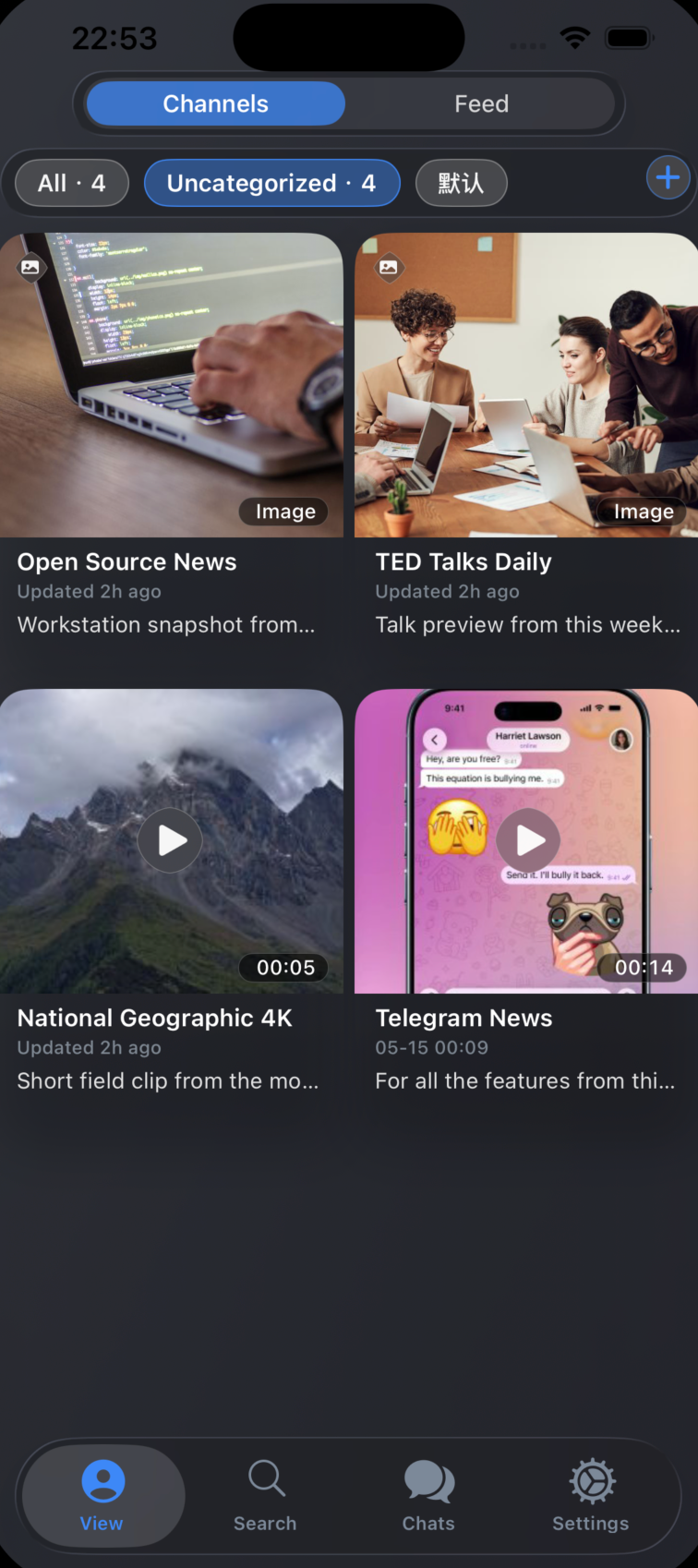
View Channels
Release information
A few things worth knowing.
Launch status
The official website is live now. The public App Store listing is still being prepared.
Support
Questions about the product, policies, or release timing can be sent to support@viewgram.org.
View Pro
A premium tier is planned for advanced workflows and future enhancements.
For launch questions, review requests, or support:
support@viewgram.org